Guides
Step-by-step walkthroughs to help you get the most out of EchoMe. Search, browse by category, or start with the first-timer path.
Watch the 20-minute walkthrough
Ara takes four members through the whole flow, from dropping a video to posting, live.
Start here
New to EchoMe? These three, in order, take you from sign-up to content in your voice.
Start here
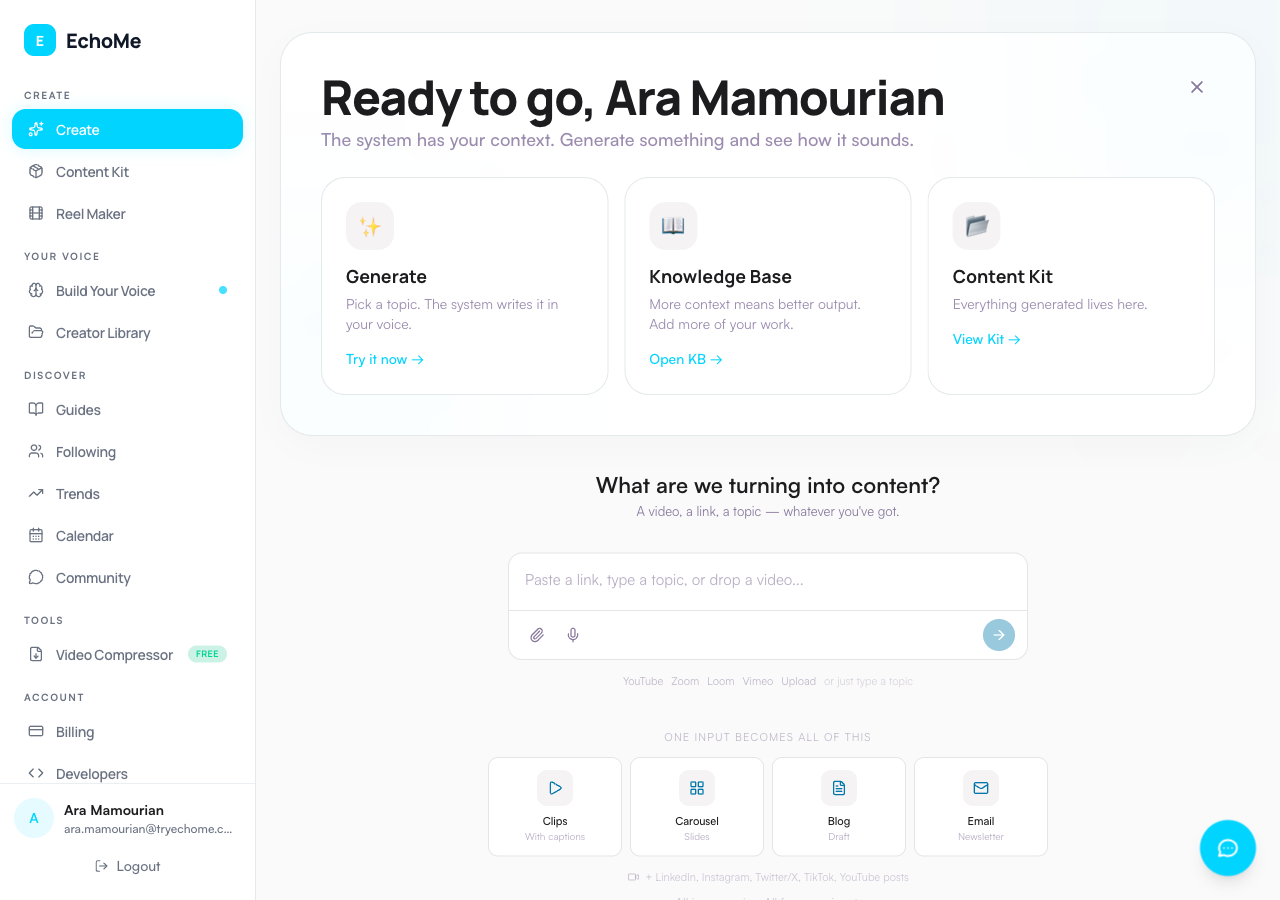
Getting Started: Your First Content Kit
Go from sign-up to your first Content Kit in minutes. Upload a video, paste a link, or type a prompt to generate posts, clips, and carousels.
EchoMe Platform Overview
A complete walkthrough of the platform. One unified input for links, files, and topics, video processing, clip editing, captions, content generation, and building your voice.
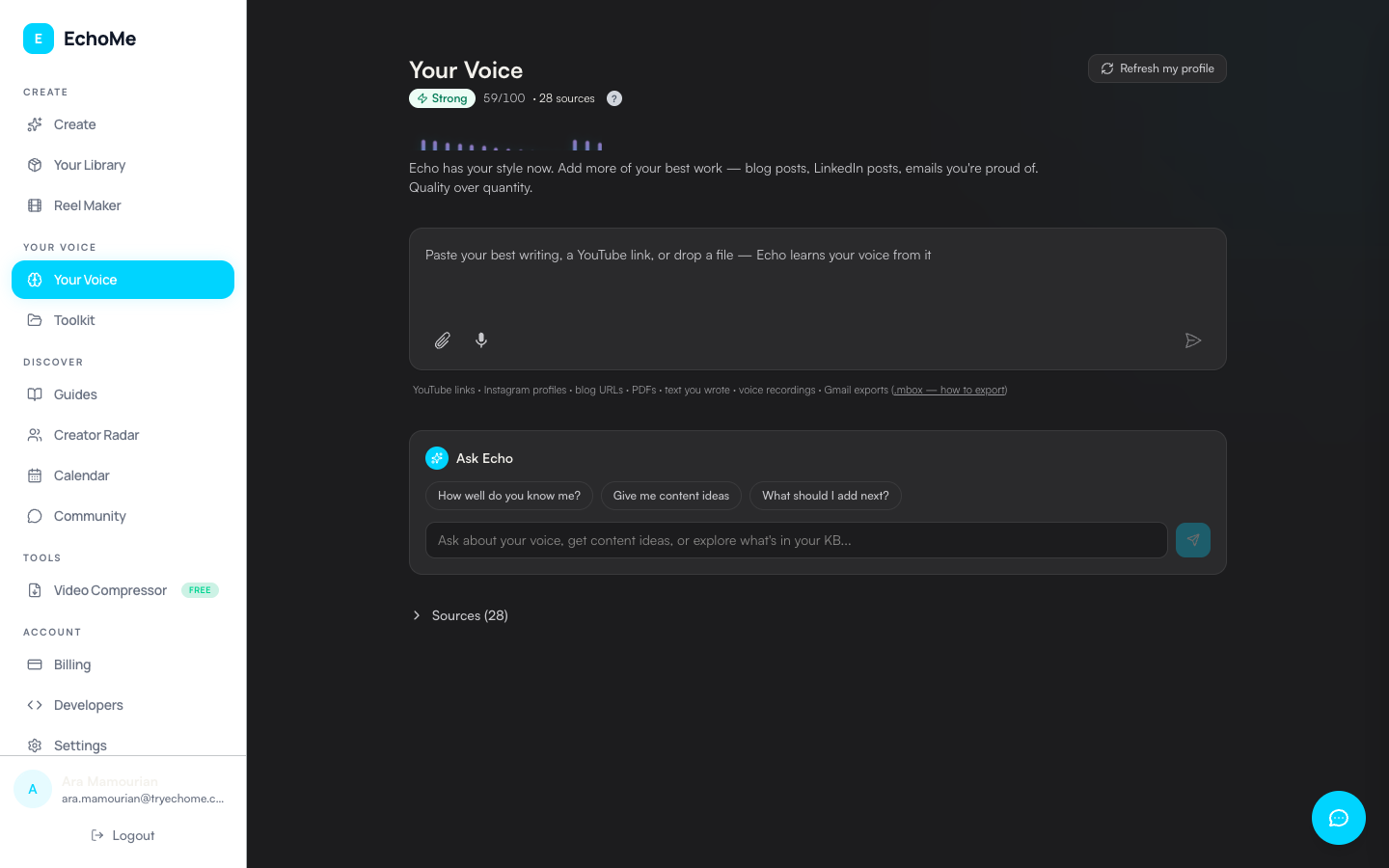
How EchoMe Reads Your Voice
EchoMe writes in your voice by reading what you have already published. Drop videos, social media, emails, blog posts.
Create content
Creating and Managing Video Content
Use the unified conversational input to upload videos, paste links, or describe a topic and generate a full content kit from a single input.
Turn YouTube Videos into Content
Paste any YouTube link into the unified input and get clips, carousels, LinkedIn posts, Instagram content, newsletters, and more. All in your voice.
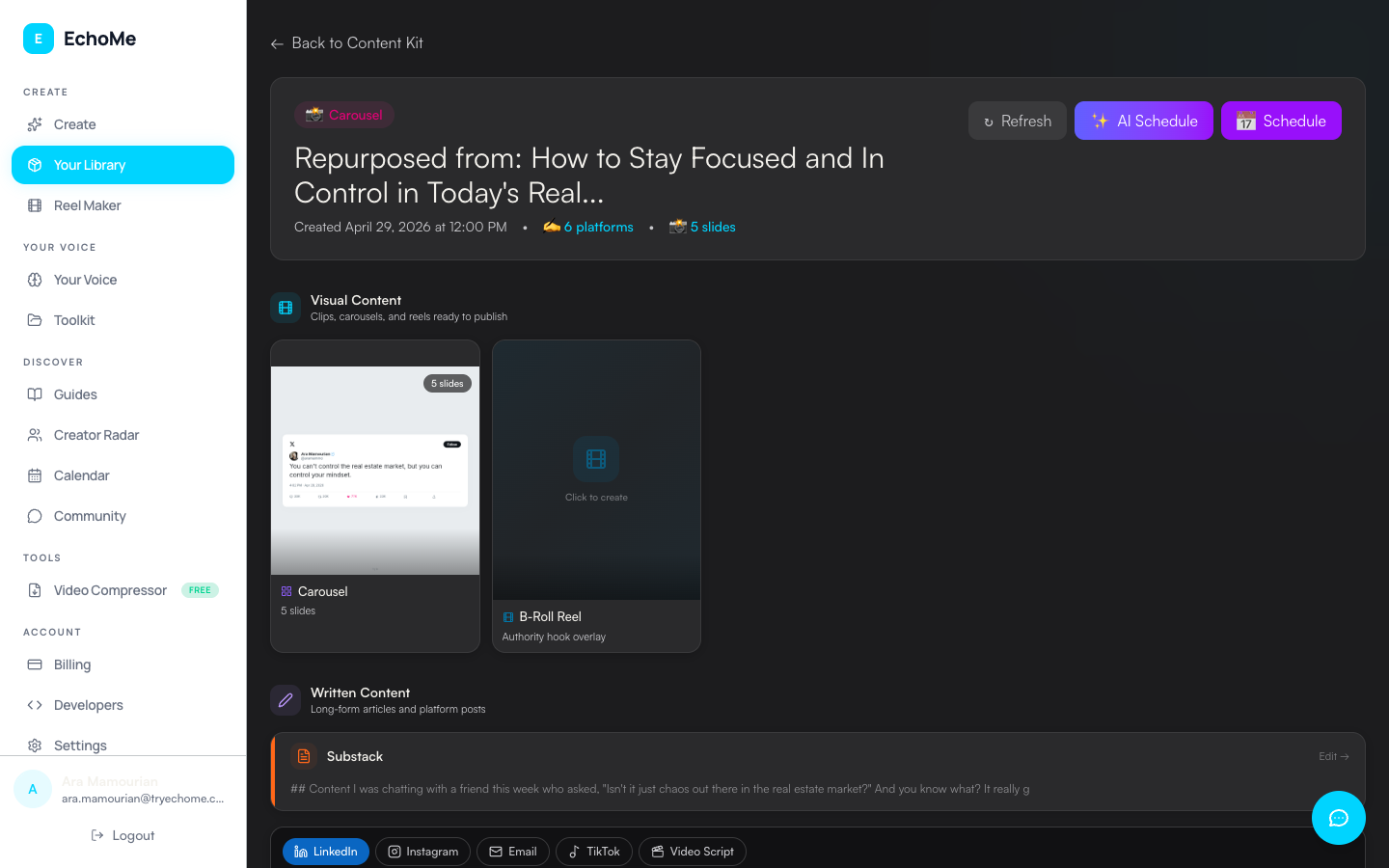
Working with Content Kits
Explore everything inside a Content Kit: Visual Content and Written Content sections with clips, social posts, carousels, and transcripts.
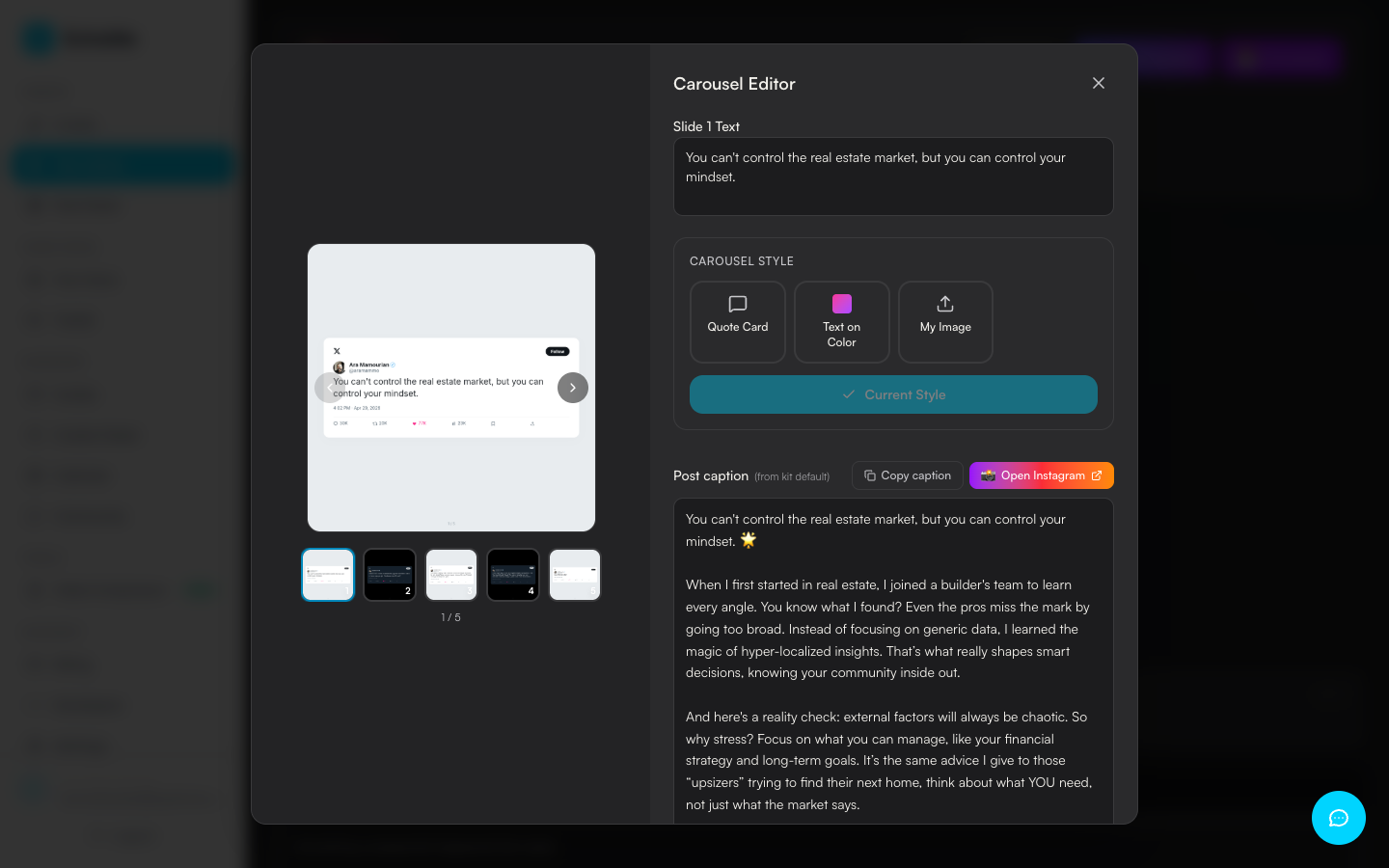
Editing Carousels: Text, Style, Layout, Download
Edit slide text, drag to reposition, restyle the whole set with Quote Card / Tweet Card / My Image / Video Frame, and download single slides or a zip.
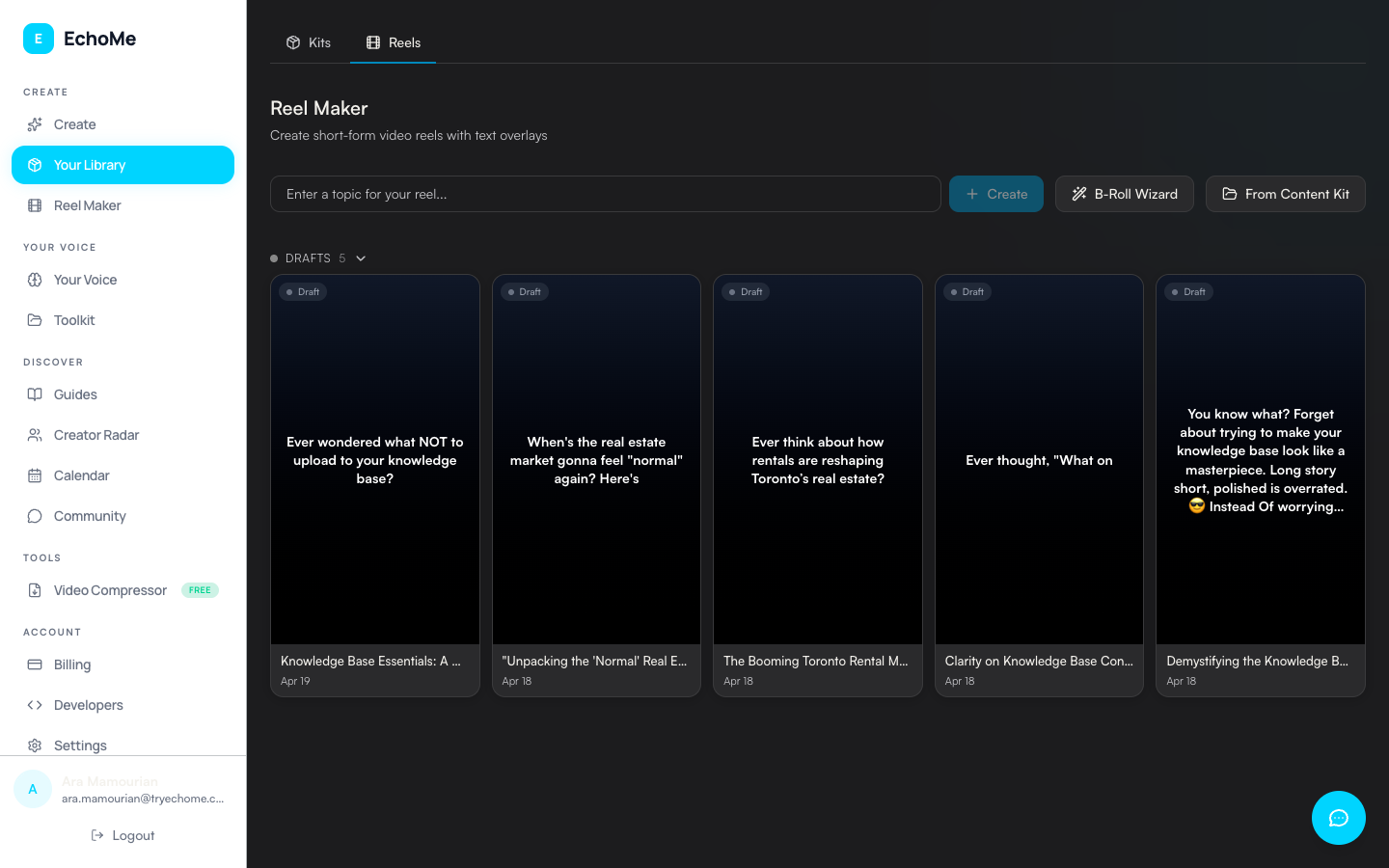
Reels & Caption Styles
Manage your reels in the Reel Maker, choose from 8 caption styles, and export clips optimized for Instagram Reels, TikTok, and YouTube Shorts.
Built-in Teleprompter
Record talking-head video against a script EchoMe wrote in your voice. WPM control, voice tracking, pause-on-silence, 9:16/16:9 framing.
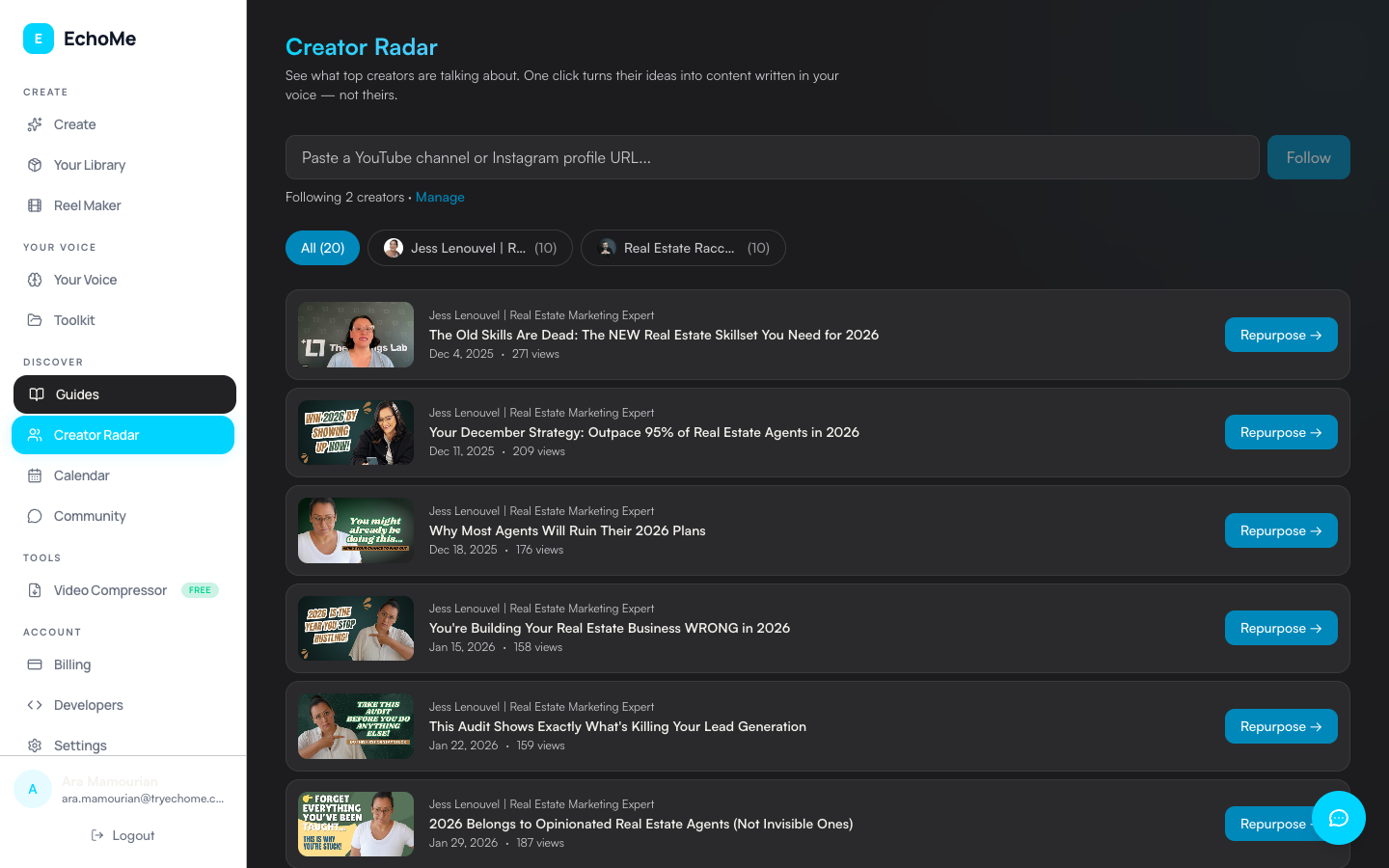
Creator Radar: Write Your Take on Creators' Videos
Follow creators in your niche from Creator Radar and write your take on their videos, as original posts written in your voice. Stay active without filming new videos.
Teach Echo your voice
How to Upload Emails to EchoMe
Export your sent emails from Gmail using Google Takeout and upload them to train your voice profile. Only takes a few minutes.
Team Voices: Multiple Voice Profiles
Manage multiple voice profiles for your team or clients. Each profile has its own Knowledge Base and generates content in its own voice.
Schedule and publish
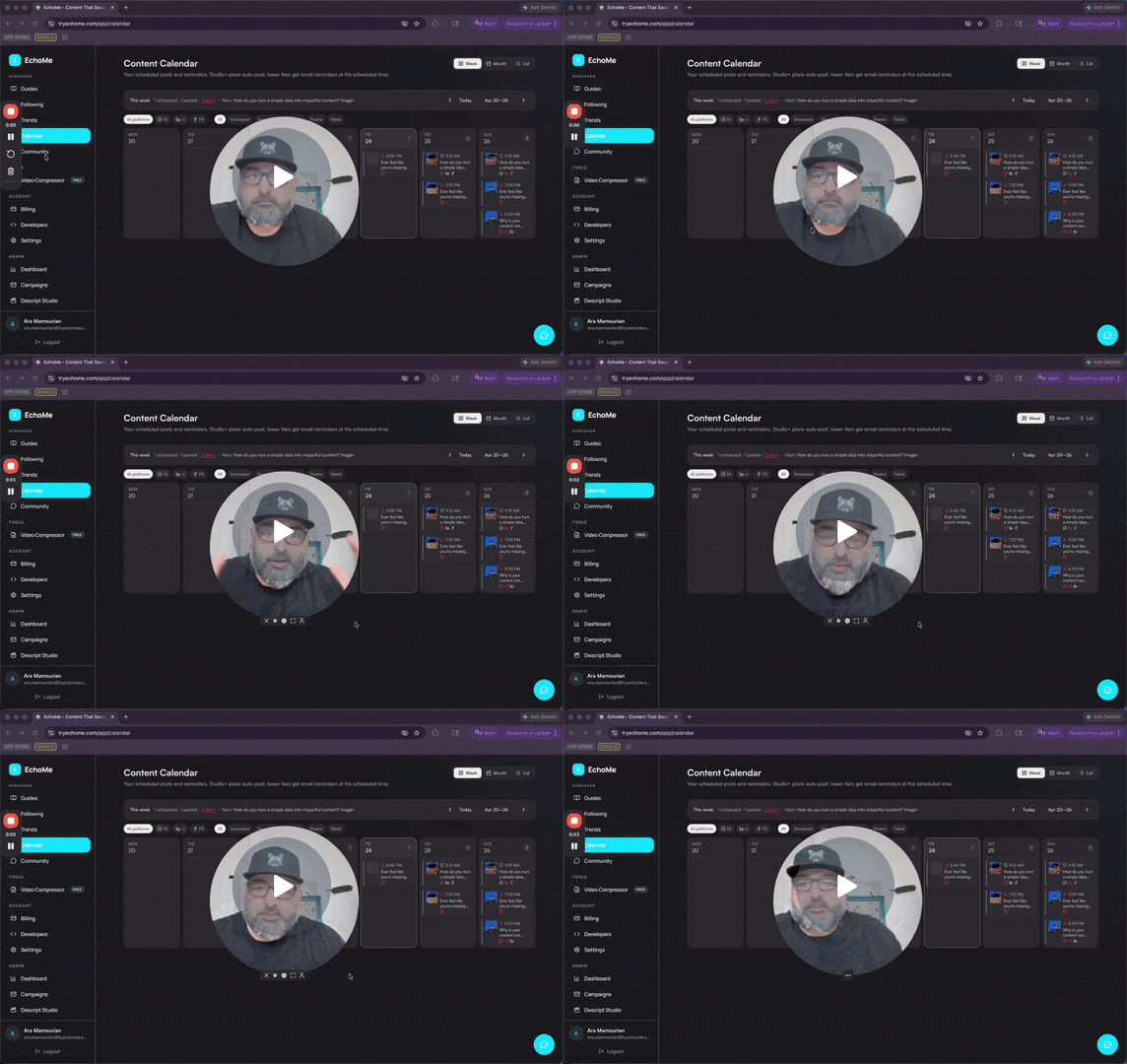
Scheduling & Auto-Posting
Connect Instagram, LinkedIn, Facebook, Threads, YouTube, and Bluesky and auto-publish your content at the time you choose. Manage everything from the Content Calendar.
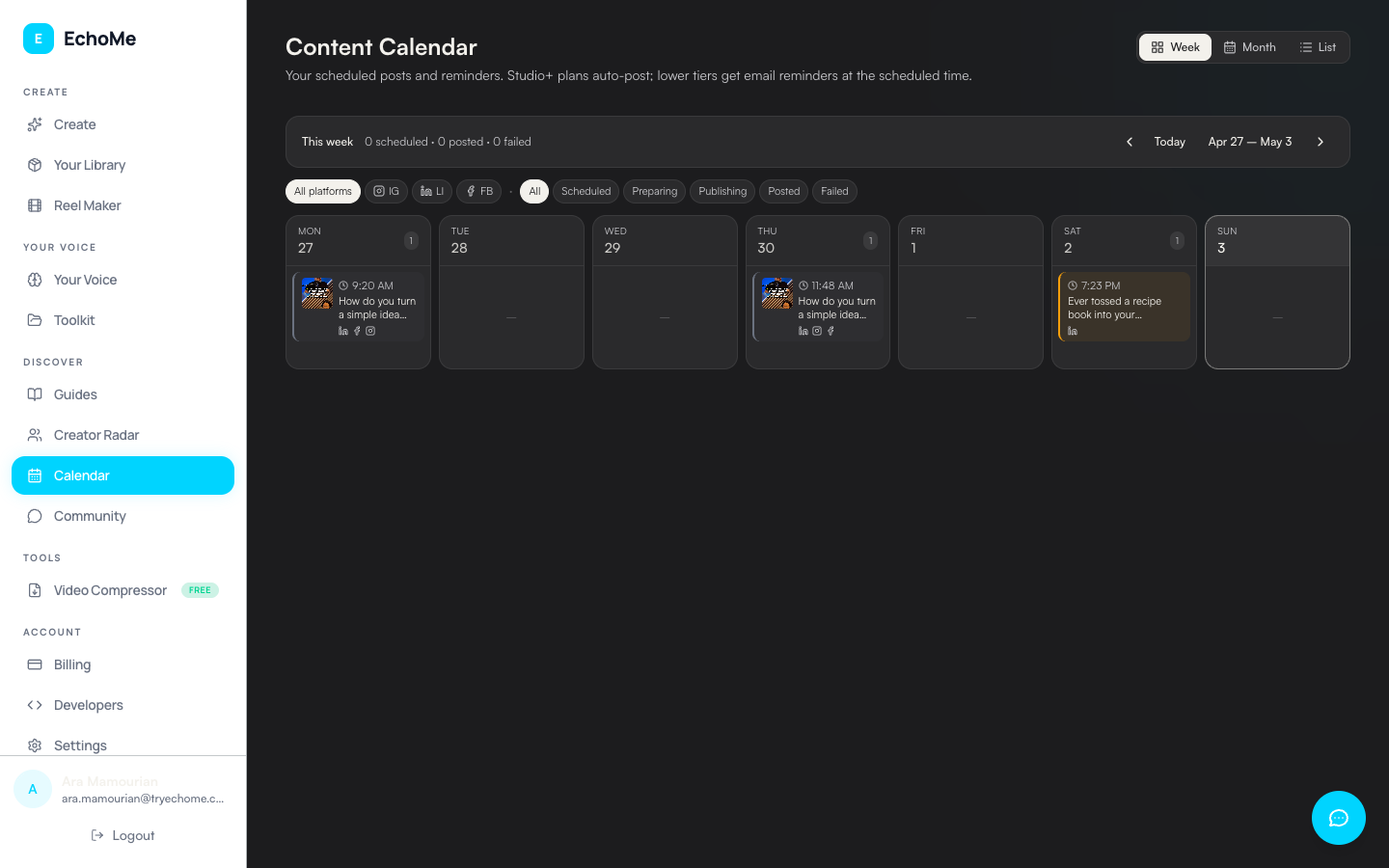
Content Calendar: Overview
A tour of the Content Calendar: week, month, and list layouts, filters, drag-to-reschedule, and how events group by Content Kit.
Tools and plans
How to Reduce Video File Sizes
Free tools and step-by-step instructions to compress your videos before uploading. Keep quality, shrink the file, faster uploads.
Understanding EchoMe Plans
Compare Free, Echo, Echo Studio, and Echo Teams plans. See what is included in each tier and how to upgrade or downgrade.