Creator Radar: Write Your Take on Other Creators' Videos
Follow creators in your niche and turn their latest videos into original content, written in your voice, grounded in your context. Same ideas, your words.
3 min read
Important: This is NOT copying. The output is original because the perspective is yours. EchoMe uses their ideas as a starting point, then writes everything through your voice, your style, and your framing.
Go to Creator Radar
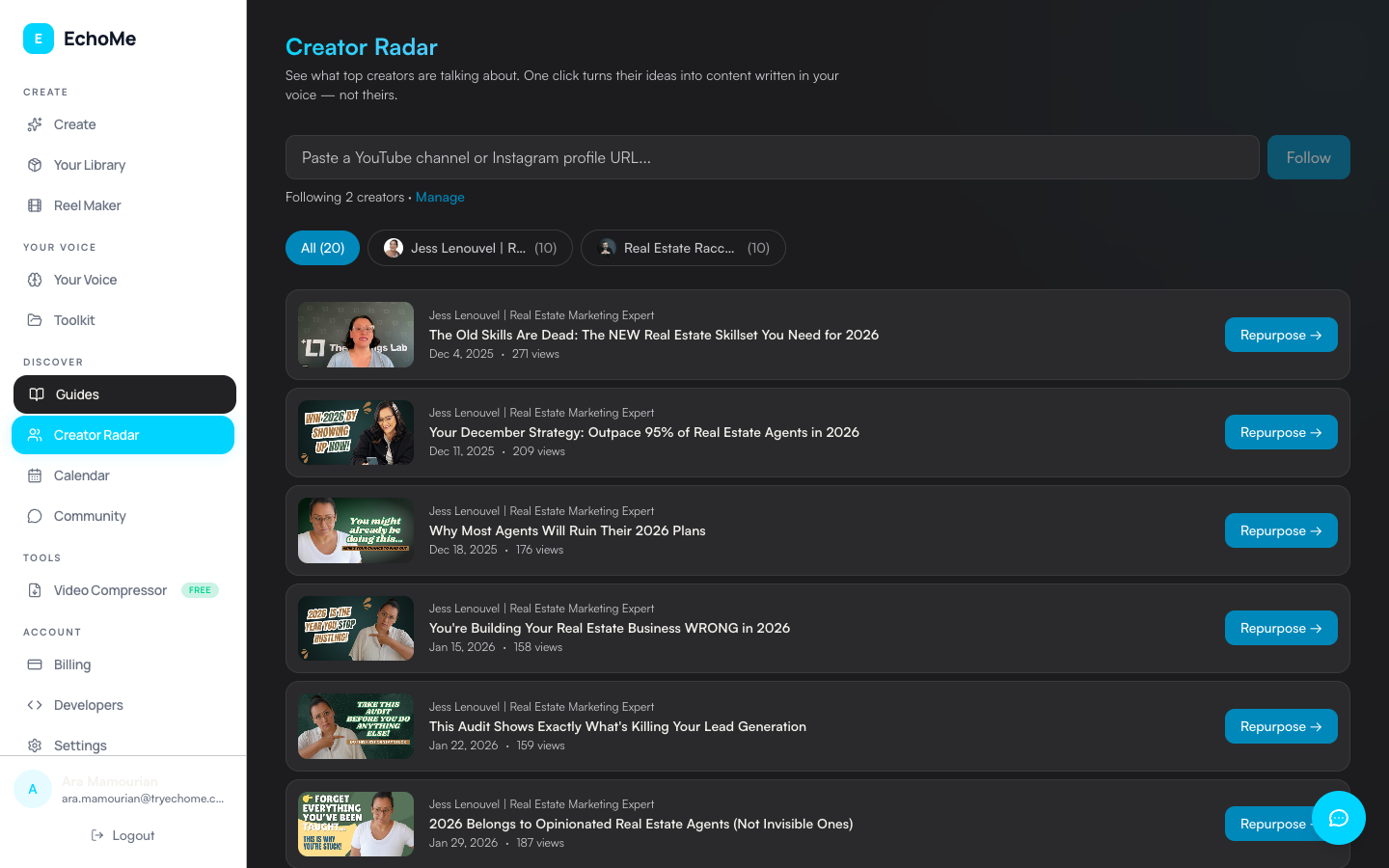
Open Creator Radar from Library, Radar tab. This is your feed for staying on top of what creators in your space are publishing.
Follow creators in your niche
Paste a YouTube channel or Instagram profile URL and hit Follow. Once you follow a creator, their new video content will appear in your Creator Radar feed automatically.
New videos appear in your feed
When a creator you follow posts new video content, it shows up in your Creator Radar feed. You'll see the video title, thumbnail, and publish date. No need to check YouTube manually.
Write your take on any video
Click Write My Take on any video in your feed. Pick the platforms you want (Instagram, LinkedIn, Blog, Email, TikTok, Video Script), then hit Generate. EchoMe builds the content from their video, grounded in YOUR voice and YOUR context. The result uses your style, your framing, and your perspective.
Review and edit
Open the generated Content Kit just like any other. The posts, blog drafts, and emails are all written as if you made the content yourself, and an Instagram carousel gets built too if you picked Instagram. Edit anything, then publish on your schedule.
Ready to turn trending content into your own?
Start Free: 5 GenerationsNo credit card required.