Turn YouTube Videos into Social Media Content
You already have hours of content on YouTube. EchoMe turns any public YouTube video into a full content kit: clips with captions, Instagram carousels, LinkedIn posts, X threads, email newsletters, and blog posts. All written in your voice.
4 min read
For a full video walkthrough of this feature, watch the platform overview guide.
Paste any YouTube link
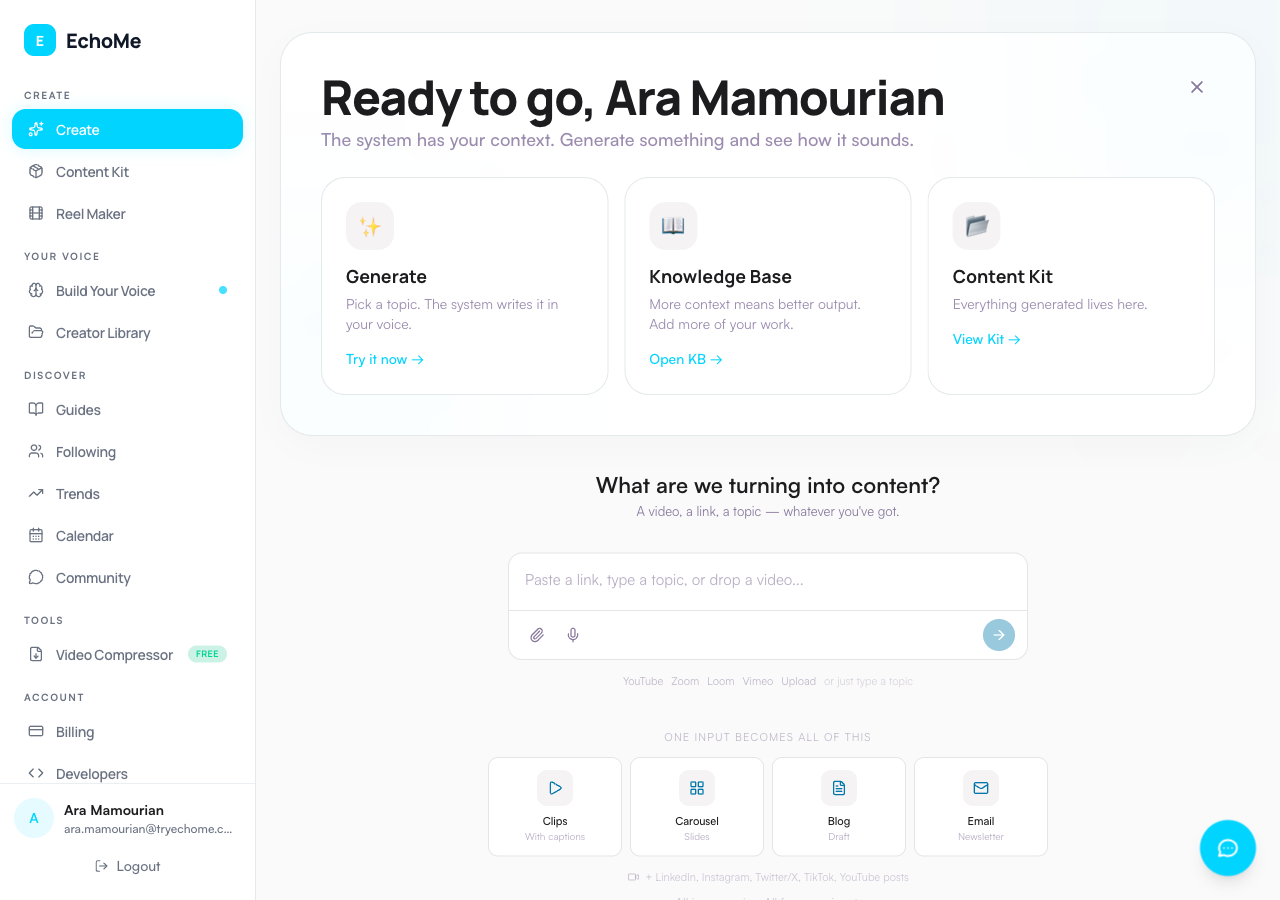
Go to the Create page and paste your YouTube URL into the composer. EchoMe auto-detects YouTube links and asks if the video is yours, then whether to make content now or, for a channel link, save the videos to clip later. Works with any public YouTube video: watch pages, share links, and shorts.
EchoMe downloads and transcribes
EchoMe fetches the video and transcribes the audio automatically. No manual transcription needed. Processing takes 5–15 minutes depending on video length.
AI extracts the best clips
EchoMe analyzes your transcript and identifies the most engaging moments. Each clip gets a strength score. If the video has multiple speakers (interviews, podcasts), split-screen clips are generated automatically.
8 caption styles
Every clip gets captions. Choose from 8 styles: Modern, Big & Bold, Color Pop, Karaoke, Underline, One at a Time, Subtitle Bar, and Clean & Simple. Position captions at the top, center, or bottom. Download single or split-screen versions.
Full written content kit
From one YouTube video, EchoMe generates:
- LinkedIn posts
- Instagram captions and carousels
- X/Twitter threads
- TikTok captions
- Email newsletters
- Blog posts
- YouTube description
- Video script
All written in your voice based on your knowledge base.
Download and share
Copy any post to clipboard. Download video clips. Schedule content to your calendar. Everything is saved in Your Library for later.
Have a YouTube video? Try it now.
Start Free: 5 GenerationsNo credit card required.